How to Watch YouTube on Android Auto: Android 17 Guide 2026
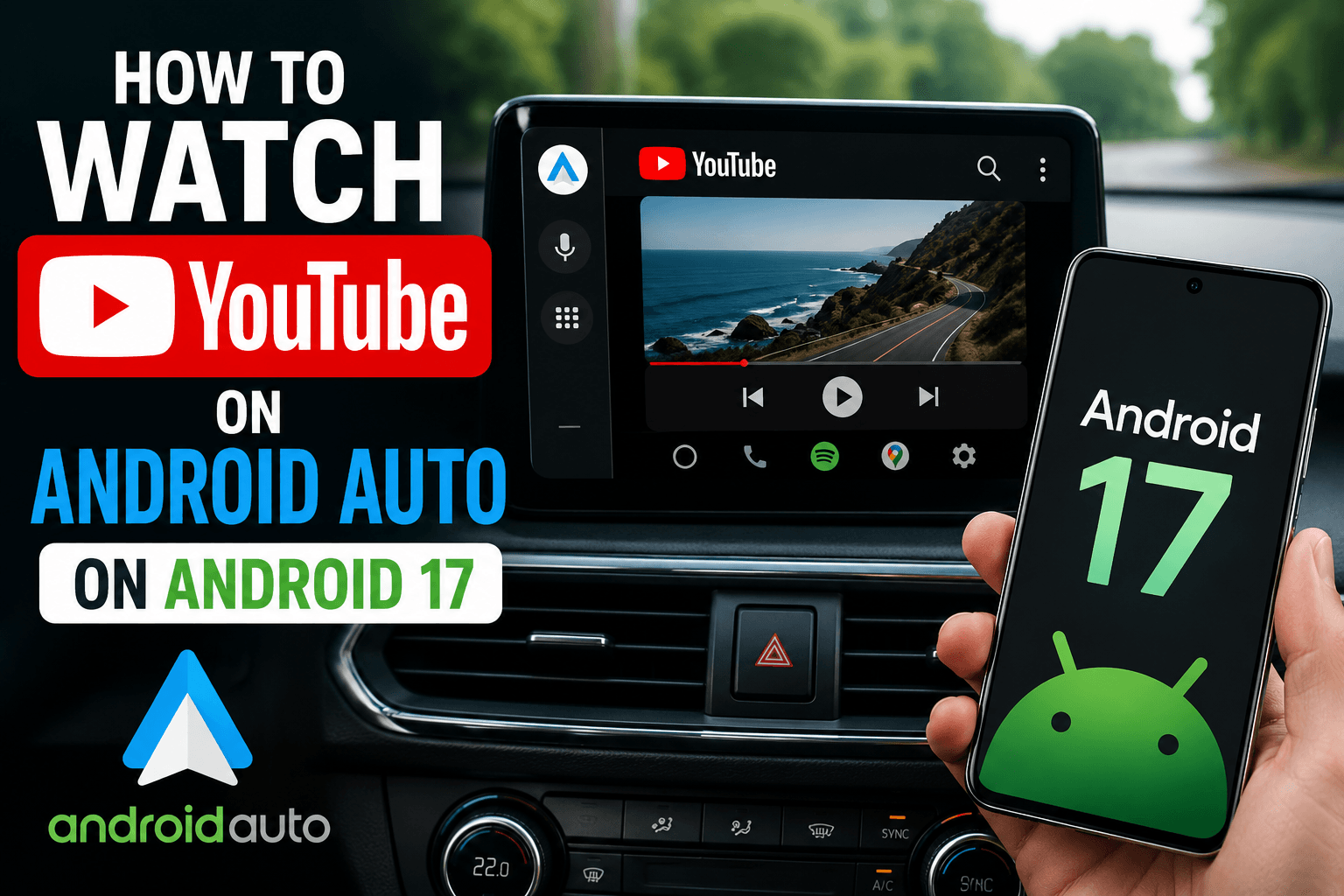
Android 17 is the first Android version to bring official YouTube support to Android Auto. But native support depends on your car manufacturer enabling it — and for most drivers, that rollout won't happen overnight. If you have Android 17 and want YouTube on your car screen right now, there is already a working solution that requires no root and no APK sideloading.
Quick Answer: To watch YouTube on Android Auto with Android 17, use AABrowser — available through the AAAD Web App at pwa.aaad.app. No root. No APK sideloading. Works on any car.
Android 17 and YouTube on Android Auto: What's Changing?
Android 17 marks a significant shift for Android Auto. Google has announced native support for video apps, including YouTube directly on your car's infotainment screen. This is a long-awaited upgrade for drivers who want to stream content while parked.
However, native support comes with real-world limitations:
- Car manufacturer rollout required — Your vehicle's OEM must implement the update. Not every car will receive it at launch.
- Restricted to parked mode — Video playback is disabled while driving, switching to audio-only when the car is in motion.
- Gradual availability — Even on Android 17, the feature may not be active immediately depending on your region and vehicle.
For Android 17 users who want YouTube on Android Auto right now, without waiting on their car manufacturer, AABrowser is the recommended solution.
AABrowser: The Recommended Way to Watch YouTube on Android 17
AABrowser is a full web browser built into the AAAD Web App. It runs as a Progressive Web App (PWA), which means it bypasses the stricter APK verification restrictions Google introduced in Android 15 and 16 — and carries that compatibility forward to Android 17.
With AABrowser you get direct access to YouTube, web-based streaming, and full browsing on your Android Auto display. No APK installs. No root. No developer options.
AABrowser — Key Features:
- Full YouTube and video streaming on your car screen
- Verified on Android 15 and Android 16 — recommended for Android 17
- No APK install, no root, no PC required
- Cloud-powered rendering optimised for car displays
- Available via the AAAD Web App at pwa.aaad.app
How to Watch YouTube on Android Auto with Android 17
- Install AAAD on your Android 17 phone Download the official AAAD app from aaad.app/install/. No root or developer options needed.
- Open the AAAD Web App Inside AAAD, tap Web App, or go directly to pwa.aaad.app. This launches the AABrowser environment.
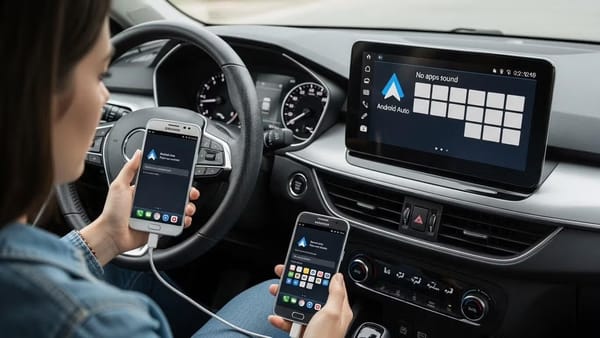
- Connect your phone to Android Auto Plug in via USB or connect wirelessly. AABrowser will appear in your car's Android Auto app list.
- Open AABrowser and navigate to YouTube Tap AABrowser on your car screen, then go to youtube.com or search for any video directly.
The entire process takes under two minutes.
More AAAD Solutions to Watch YouTube on Android Auto
While AABrowser is the recommended choice for Android 17, AAAD offers a full ecosystem of third-party apps for Android Auto. Depending on your Android version and use case, one of these may already be working for you.
📺 CarStream CarStream is the most popular YouTube solution for Android Auto and the app most users come to AAAD for first. It streams YouTube directly on your car's display with playback controls designed for in-car use. CarStream works well on Android 14 and below. Android 17 compatibility is under active development.
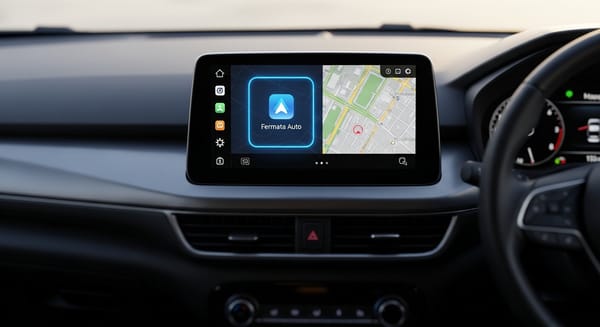
🎬 Fermata Auto Fermata Auto is the go-to app for playing locally downloaded videos and IPTV streams on Android Auto. If you have movies, series, or live TV channels on your phone, Fermata plays them directly on your car screen. It has been consistently reliable across Android versions and is recommended for local media over streaming.
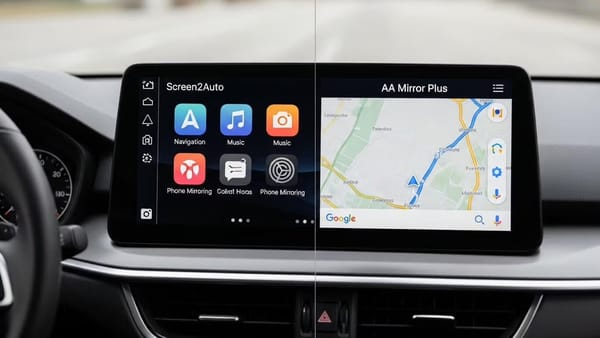
📱 Screen2Auto Screen2Auto mirrors your phone screen to Android Auto. This gives you access to any app on your phone — including YouTube, Netflix, or anything else — directly on your car display. It is a simpler approach than app-specific solutions and works without needing individual app support.
🔄 AA Mirror Plus AA Mirror Plus is an advanced screen mirroring solution with additional controls beyond Screen2Auto. It offers better touch response and passenger-side controls, making it suitable for users who want full phone access on the car screen with more configuration options.
👥 AA Passenger AA Passenger is designed for front-seat passengers who want independent control of Android Auto without interfering with the driver's view. It is particularly useful on longer trips where a passenger wants to manage navigation, music, or media separately.
All of these apps are available through AAAD at aaad.app. Android 17 compatibility across the full app list is under active development — check the site for the latest status.
All AAAD Apps: Android 17 Compatibility Overview
AAAD gives you access to a curated set of third-party Android Auto apps. Here is where each one stands with Android 17:
| App | Category | Android 17 Status | What It Does |
|---|---|---|---|
| 🌐 AABrowser | YouTube & Web | ✅ Recommended for Android 17 | Full YouTube playback and web browsing via AAAD Web App (PWA) |
| 📺 CarStream | YouTube | ⏳ Not yet confirmed | YouTube videos on Android Auto via APK sideload |
| 🎬 Fermata Auto | Local Video / IPTV | ⏳ Not yet confirmed | Play downloaded videos and IPTV streams on your car screen |
| 📱 Screen2Auto | Screen Mirroring | ⏳ Not yet confirmed | Mirror your phone screen to Android Auto |
| 🔄 AA Mirror Plus | Screen Mirroring | ⏳ Not yet confirmed | Advanced phone mirroring with additional passenger controls |
| 👥 AA Passenger | Passenger Controls | ⏳ Not yet confirmed | Lets passengers control Android Auto independently |
Android 17 compatibility for CarStream, Fermata Auto, Screen2Auto, AA Mirror Plus, and AA Passenger is under active development. Check aaad.app for the latest updates.
Why AABrowser Works When Other Apps Don't?
Android 15, 16, and now 17 have progressively tightened APK sideloading restrictions. Google's stricter package verification makes it harder to install third-party APKs through conventional means.
AABrowser sidesteps this entirely. Because it runs inside the AAAD Web App — a PWA — it never touches the APK installer. It operates within standard browser permissions, making it inherently compatible with Android 17's security model without requiring any workarounds.
This is why AABrowser is the recommended choice for Android 17 users, while the AAAD team continues to verify APK-based apps like CarStream and Fermata Auto on the new OS.
Frequently Asked Questions
Can you watch YouTube on Android Auto with Android 17?
Yes. AABrowser, available through the AAAD Web App at pwa.aaad.app, is the recommended solution for watching YouTube on Android Auto with Android 17. It requires no root and works via a PWA that bypasses APK sideloading restrictions in newer Android versions.
Does Android 17 have native YouTube support on Android Auto?
Google has announced native video app support for Android Auto as part of Android 17. However, availability depends on your car manufacturer's rollout schedule. AABrowser is a reliable alternative that works immediately on any car without waiting for OEM updates.
What is AABrowser and how does it work?
AABrowser is a web browser built into the AAAD Web App (PWA). It gives you full access to YouTube and other streaming sites on your car's display without requiring APK installs or root access. Launch it at pwa.aaad.app.
Do I need to root my phone to use AAAD on Android 17?
No. AAAD and AABrowser require no root, no developer options, and no PC. The AAAD Web App works within standard Android permissions on Android 17.
Is AAAD safe to use?
Yes. AAAD is open-source and hosted on GitHub. All releases include SHA-256 checksums for verification. The app does not require root and does not modify system files. Download only from aaad.app.
Will CarStream or Fermata Auto work on Android 17?
Android 17 compatibility for CarStream, Fermata Auto, Screen2Auto, AA Mirror Plus, and AA Passenger has not yet been confirmed. AABrowser is the recommended app for Android 17 users who want YouTube on Android Auto right now. The AAAD team is actively working on Android 17 support for all apps.