Fermata Auto on Android Auto| How to Install Without Root (2026 Guide)
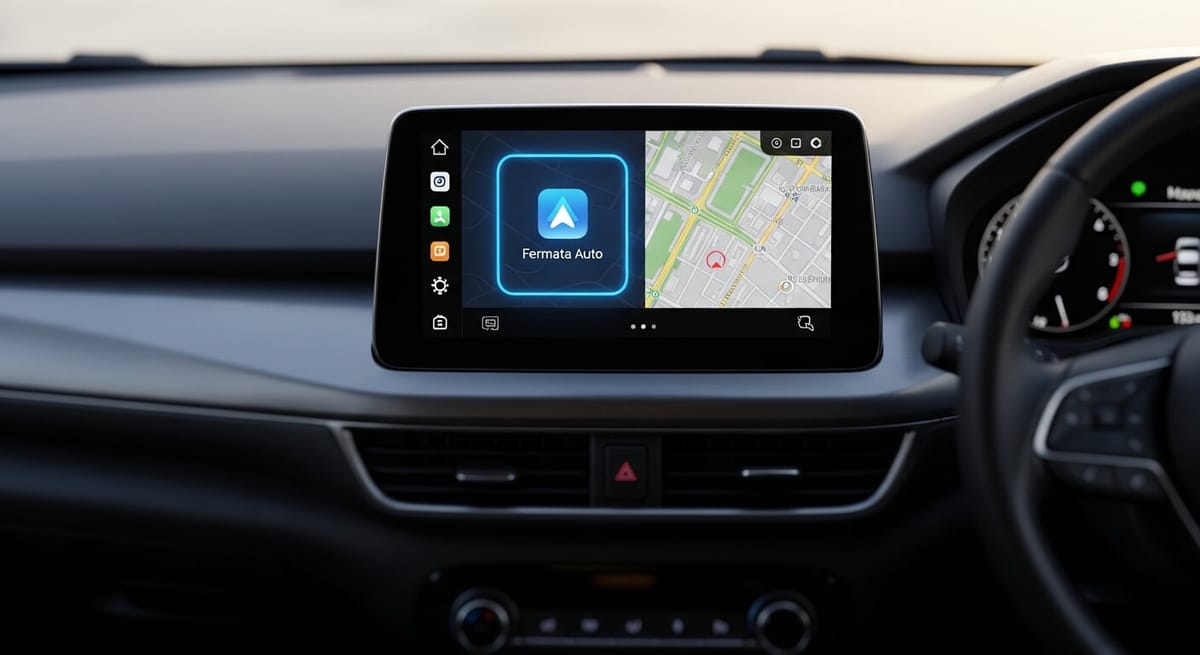
Fermata Auto is a free, open-source media player that enables local video playback and IPTV streaming on Android Auto without root access. To install it: download AAAD, select Fermata Auto, install the APK, enable Unknown Sources in Android Auto Developer Settings, then connect your phone to your car.
Want to watch YouTube, Netflix, or play local videos on your car's display using Android Auto? Fermata Auto is the solution you've been looking for. This comprehensive guide will walk you through everything you need to know about installing and using Fermata Auto on Android Auto in 2025.
Whether you're using Android 13, 14, 15, or even the latest Android 16, this guide covers all installation methods, troubleshooting tips, and best practices to get Fermata Auto working on your car's infotainment system.
What is Fermata Auto?
Fermata Auto is a free, open-source media player designed specifically for Android Auto. Developed by Andrey Pavlenko and available on GitHub, Fermata Auto bypasses Android Auto's built-in restrictions to unlock multimedia capabilities that Google doesn't officially support.
Unlike the standard Android Auto interface, which limits you to approved apps like Google Maps, Spotify, and messaging apps, Fermata Auto transforms your car's infotainment system into a complete entertainment hub.
Key Features:
| Feature | Details |
|---|---|
| Local Video Playback | Play movies, TV shows, and personal clips from internal storage or SD card |
| IPTV Streaming | Stream IPTV playlists directly on your car's display |
| YouTube & Netflix | Access streaming apps via compatible plugins |
| Steering Wheel Controls | Integrates with your car's media buttons for hands-free playback |
| No Root Required | Works on standard Android 6.0+ devices without voiding your warranty |
| Open Source | Fully auditable code on GitHub with verified checksums |
Step-by-Step Installation Guide
Step 1: Download the AAAD Installer
Fermata Auto is not available on the Google Play Store. You must use AAAD to install it.
Step 2: Select Fermata Auto
1. Open AAAD on your phone.
2. You will see a curated list of apps. Locate Fermata Auto in the list.
3. Tap to select it.
Step 3: Handle the Installation (Crucial Step)Tap the install button.
• Common Issue: Fermata Auto is a "heavy" file compared to other apps. Because GitHub servers can sometimes be slow, your phone might think the download has frozen.
• The Fix: If you see a system popup saying "App not responding," do not close it. Keep pressing "Wait" until the download finishes and the installation prompt appears.
Note: The free version of AAAD allows one download every 30 days. If the installation fails or you want to download another app immediately, you will need the Pro version.
Step 4: Enable "Unknown Sources" in Android Auto
Even after installing Fermata Auto, it will likely not appear on your car screen immediately. You must tell Android Auto to accept apps from "Unknown Sources".
1. Open your phone's Settings and search for Android Auto.
2. Scroll down to the Version section.
3. Tap the text "Version and permission info" 10 times rapidly until you see a prompt to enable "Developer Mode." Tap OK.
4. Tap the three-dot menu (top right) and select Developer settings.
5. Check the box for Unknown Sources.
◦ Why? Standard settings only display apps from the Google Play Store. This toggle allows sideloaded apps like Fermata to appear on the launcher.
Step 5: Connect and Watch
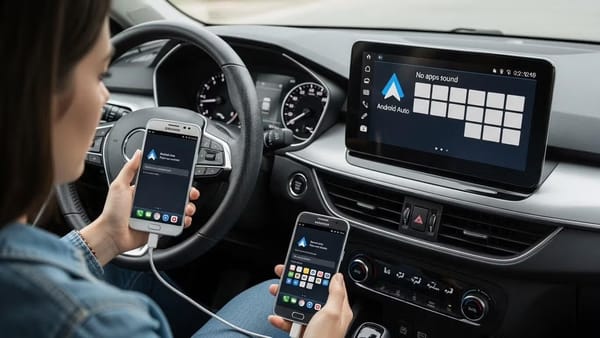
Connect your phone to your car via USB or Wireless. Go to the Android Auto app launcher (the grid icon). You should now see Fermata Auto listed. Tap it to browse your phone's folders and play your video files.
Fermata Auto vs. CarStream: Which Should You Install?
| Fermata Auto | CarStream | |
|---|---|---|
| Best for | Local video, IPTV, offline content | YouTube streaming |
| Primary use | Files on your phone or SD card | Live YouTube playback |
| IPTV support | ✅ Yes | ❌ No |
| YouTube support | ⚠️ Via plugins | ✅ Native |
| Android 14+ stability | ✅ Recommended | ✅ Stable |
| Root required | ❌ No | ❌ No |
| Installer | AAAD | AAAD |
Troubleshooting Common Issues
1. The App Isn't Showing on the Car ScreenIf you completed the installation but don't see the icon:
• Check Customization: Go to Android Auto Settings > Customize Launcher on your phone. Ensure Fermata Auto is checked and not hidden.
• Re-check Developer Settings: Ensure "Unknown Sources" is definitely checked.
2. "No New Messages During Drive" Error
If the app opens but displays this error message, it is a known bug on specific devices (Oppo, Realme, OnePlus) or Android versions.
3. Android 14 Compatibility
Android 14 introduced stricter security that can prevent third-party apps from launching.
• The Solution: If Fermata Auto fails to launch on Android 14+, using a wireless dongle like AAWireless often resolves the issue by handling the connection differently than a direct USB cable
4. Connection FreezesIf the video freezes or the connection drops:
• Enable Developer Options on your phone (Settings > About Phone > Tap Build Number 7 times).
• Go to Default USB Configuration and change it to File Transfer / Android Auto.
Frequently Asked Questions (FAQ)
Is Fermata Auto free?
Yes. Fermata Auto is free and open-source. The installer, AAAD, allows one free download every 30 days. To download Fermata Auto or any other app in AAAD without a waiting period, you can upgrade to AAAD Pro.
Does installing Fermata Auto require rooting my phone?
No. Android Auto Fermata installation does not require root. AAAD installs Fermata Auto as a standard sideloaded APK, which does not modify system files or void your device warranty.
What Android versions does Fermata Auto support?
Fermata Auto supports Android 6.0 and above. It is fully compatible with Android 13, 14, 15, and 16. On Android 14 and later, a wireless dongle such as AAWireless often improves stability compared to a direct USB connection.
Why does Google Play Protect warn me about AAAD?
Google Play Protect flags any installer that downloads apps from outside the Play Store this is a generic warning, not specific to AAAD. AAAD is open-source and published on GitHub with checksums. Downloading from the official source ensures the file has not been modified.
How do I update Fermata Auto?
Fermata Auto does not include an auto-updater. When a new version is released, open AAAD and download the update manually. Free users are subject to the 30-day download limit; Pro users can update at any time.
What if I accidentally uninstalled Fermata Auto?
Free AAAD users will need to wait for the 30-day timer to reset before reinstalling. AAAD Pro users can reinstall immediately. The app itself is not tied to an account, so no data is lost.