How to Watch YouTube on Android Auto (No Root) | 2026 Guide
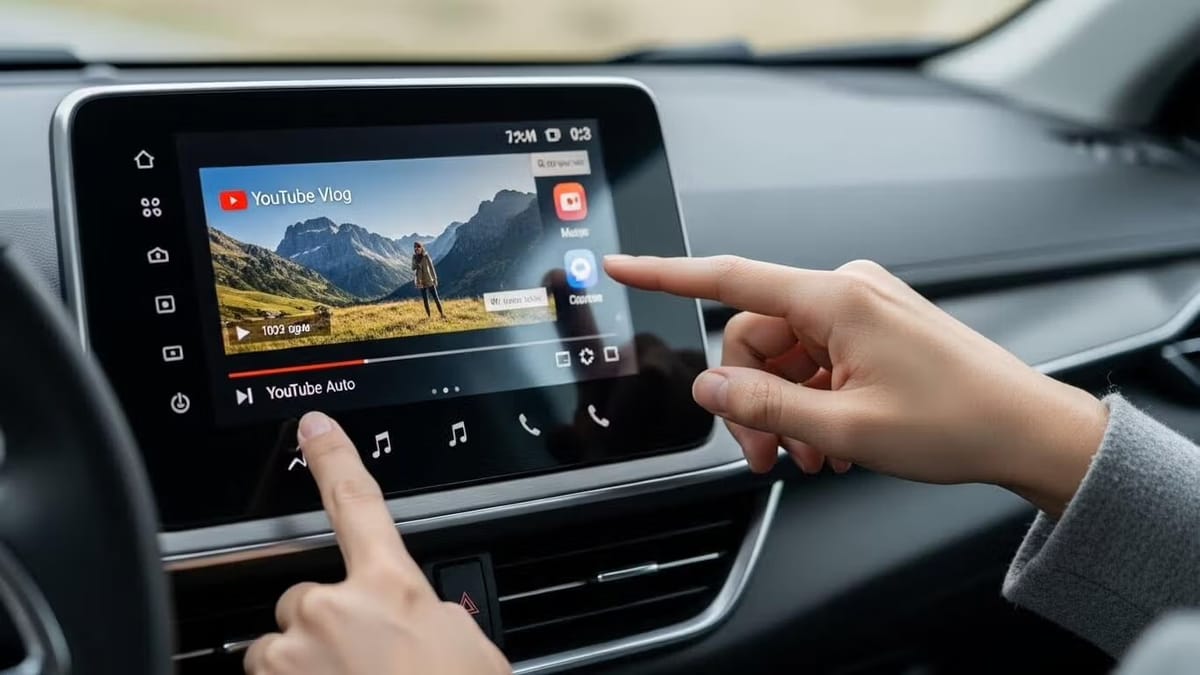
YouTube on Android Auto is blocked by default, but you can unlock it without root by installing CarStream or Fermata Auto via AAAD (Android Auto Apps Downloader). Download AAAD, select your app, enable Unknown Sources in Android Auto Developer Settings, then connect your phone to your car. No PC or root required.
Are you looking to bypass the "Gearhead" service restrictions that block video on your dashboard? Whether you are stuck in a charging stall or a long school pickup line, the standard Android Auto experience can feel limiting.
In this 2026 update, we break down the most reliable "No-Root" methods to get YouTube, local video, and web browsing on your car display using AAAD, Fermata Auto, and CarStream.
If you're searching for "how to watch YouTube on Android Auto without root," you're not alone. Google's safety-focused platform limits apps to navigation and audio, but with tools like AAAD (Android Auto Apps Downloader), you can safely add video streaming for parked scenarios like EV charging or waiting in your car.
While highly efficient for navigation, Google's Gearhead service the background process facilitating the handshake between your phone and car systematically blocks video playback to mitigate driver distraction. However, by leveraging hidden developer settings and specialized third-party apps, you can enable YouTube functionality without needing to root your device or void your warranty.
This comprehensive guide covers everything from basic setup to advanced solutions for Android 14, 15, and 16 users experiencing compatibility issues.
Top Apps for YouTube on Android Auto
| App | Best For | Android 14/15/16 |
|---|---|---|
| CarStream | Direct YouTube streaming, simple setup | ⚠️ May need workarounds |
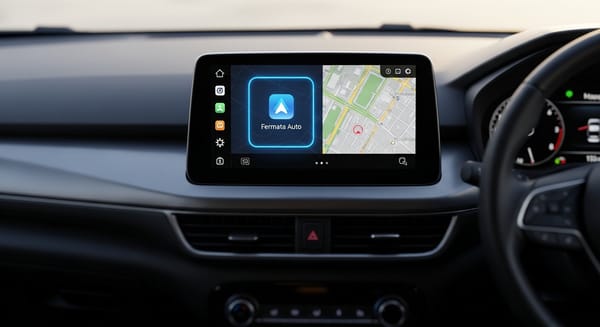
| Fermata Auto | YouTube + local video + IPTV + web browsing | ✅ Recommended |
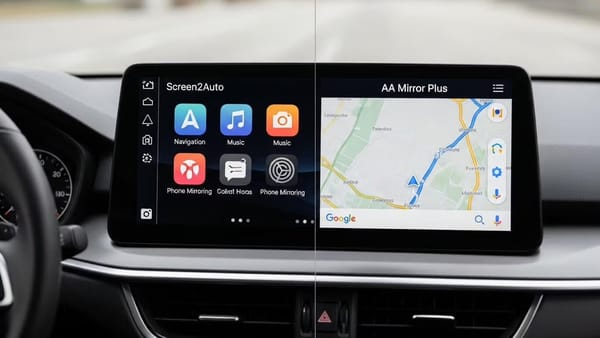
| Screen2Auto | Full phone screen mirror — open any app including YouTube | ✅ Good |
| AA Mirror Plus | Advanced mirroring with split-screen and custom controls | ✅ Good |
Which should you pick?
- Want the simplest YouTube experience? → CarStream
- On Android 14, 15, or 16? → Fermata Auto (more stable on newer OS versions)
- Want to open any app on your car screen? → Screen2Auto or AA Mirror Plus
What is AAAD?
AAAD, or Android Auto Apps Downloader, is an open-source app that downloads and installs unofficial Android Auto-compatible apps from trusted sources.
It tricks Android Auto into recognizing side loaded apps, bypassing Google Play restrictions. Available on GitHub, AAAD's free version limits you to one download per 30 days, while the Pro upgrade (one-time fee) allows unlimited access perfect for updates or trying alternatives like Fermata Auto, Car Stream, Screen2Auto, AA Mirror Plus.
Top Apps & Solutions for YouTube on Android Auto
Here are all major no-root options, including those from AAAD and beyond
- CarStream: Dedicated YouTube wrapper with car-optimized search and playback. Best for direct, simple YouTube streaming. Works well on older setups but may need workarounds on Android 15/16.
- Fermata Auto: Versatile player for YouTube, local videos, IPTV, and web browsing. Highly recommended for Android 14+ reliability often outperforms CarStream now.
- Screen2Auto: Full screen mirroring open any phone app (including official YouTube) on your dashboard. Great flexibility, but touch input may be limited without extras. Install via AAAD or KingInstaller.AA Mirror Plus: Advanced mirroring with better controls and split-screen options. Ideal for custom layouts and video apps.
- CarTube: Emerging direct YouTube app (similar to CarStream). Download APK separately if not in AAAD check compatibility for 2025.
Why Watch YouTube on Android Auto?
Android Auto prioritizes safety by blocking video to meet Driver Distraction guidelines. This limits you to maps and audio but parked users want more. Rooting risks warranties, so no-root side loading via AAAD or alternatives is the go-to in 2026.
Key Benefits of No-Root Solutions
- Works on Android 6.0 through Android 16
- Simple phone-only setup no PC required
- No developer options needed for basic installation
- Focused on parked use for safety
- Supports YouTube, local videos, IPTV, and full screen mirroring
- Open source with GitHub distribution and checksums for security
Step-by-Step Guide: Install and Watch YouTube
- Download Installer Start with AAAD from GitHub.
- Select and Install App In AAAD, choose CarStream, Fermata Auto, Screen2Auto, or AA Mirror Plus.
- Enable Unknown Sources Settings > Search "Android Auto" > Tap version 10x > Developer Settings > Toggle Unknown Sources.
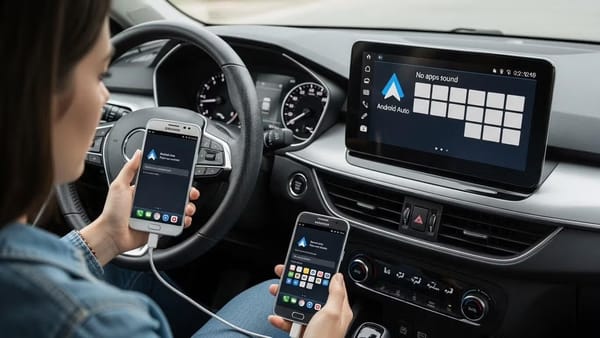
- Connect and Launch Wire or wireless connect apps appear in launcher. For mirroring (Screen2Auto/AA Mirror), open YouTube on phone.
Troubleshooting: Common 2026 Errors
"No New Messages" or App Not Appearing in Android Auto? This is the most common issue, usually indicating Android Auto hasn't recognized the new app.
- Solution: Double-check that you have enabled "Unknown Sources" in the Android Auto Developer settings (refer to Step 1). If it still doesn't show, try restarting your phone and then reconnecting your USB cable to force a new "handshake" between your phone and car.
Video Freezing, Buffering, or Audio-Only Playback? Newer Android versions aggressively manage background processes, which can affect video apps.
- Solution: Go to Settings > Apps > Fermata Auto > Battery. Select "Unrestricted" or "Don't optimize." This prevents Android from killing the app in the background.
Android 15/16 "Package Installer" Block or App Uninstalling Itself? Google Play Protect occasionally flags or removes sideloaded apps.
- Solution: If Android blocks the initial installation or the app disappears, you may need to use KingInstaller (available as an option within AAAD Pro) to "spoof" the installation source more effectively.
CarStream "Black Screen" or "App Not Responding"? CarStream's compatibility can be hit-or-miss with the latest Android Auto updates.
- Solution: Ensure you're using the absolute latest version of CarStream. If issues persist, consider switching to Fermata Auto as it generally offers better stability on newer Android versions.
Frequently Asked Questions (FAQs)
Is YouTube on Android Auto legal? Installing third-party apps via AAAD is legal in most regions. However, using video apps while driving violates traffic laws and your vehicle manufacturer's terms of service. AAAD is designed for parked use only.
Is AAAD safe to use? AAAD is safe: it is open-source, distributed via GitHub, and every APK includes a checksum for verification. Ignore Google Play Protect warnings — they appear because AAAD is not distributed through the Play Store, not because it is malicious.
Does this work on Android 14, 15, and 16? Yes. CarStream may have compatibility issues on Android 15 and 16, but Fermata Auto and Screen2Auto are reliable across all current Android versions.
Why does AAAD say "0 downloads left"? The free tier allows one download every 30 days. Upgrade to AAAD Pro for unlimited installs — useful when apps release updates frequently or you want to try more than one option.
Does YouTube Music work on Android Auto? Yes — YouTube Music is officially supported and works natively on Android Auto without any third-party tools. This guide covers YouTube video playback only, which requires AAAD and a compatible app.
SAFETY WARNING: PARKED USE ONLY
Accessing video content via Android Auto is intended strictly for stationary use such as EV charging, waiting for passengers, or rest stops. Watching video while driving is illegal, dangerous, and violates the terms of service for both Google and your vehicle manufacturer. AAAD does not condone distracted driving.